
Transitions
Each slide says how the deck arrives at it: a transition, and an appear style for the shapes that are new. In
Excalidraw they’re tags in the frame’s name, 05 Inside Payments [zoom pop]. In a script they’re options,
deck.frame("Inside Payments", { transition: "zoom", appear: "pop" }).
Transitions
Section titled “Transitions”| Transition | What happens | Use it for |
|---|---|---|
morph (default) |
matched shapes glide, resize and recolour | building up a diagram, rearranging, highlighting |
zoom |
the camera dives into, or pulls out of, the shape whose size changes most, and everything else flies past | drilling down: a box on one slide, a region with the same label on the next. And back out |
camera |
flies across the canvas to wherever the frame is | a change of topic. Put the frame far away, 2000px or more |
fade |
cross-fade | the title, the last slide, slides that have nothing in common |
cut |
instant |
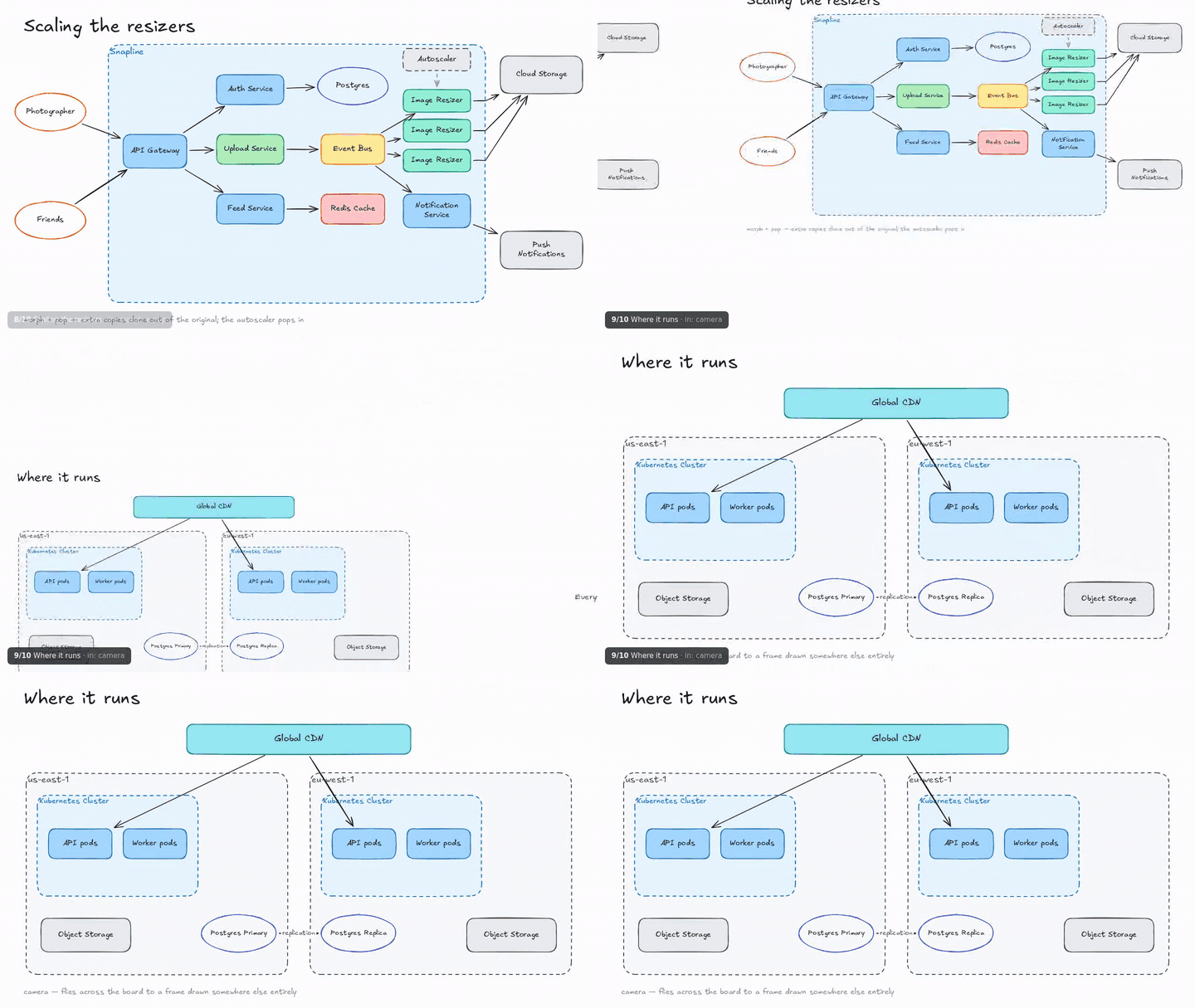
zoom picks its anchor itself: the matched pair whose size changes most, usually the box that becomes a region. Every
other shape gets the same camera move, so the whole slide feels like one dive. If nothing changes size much, zoom
behaves like morph, and excalideck check warns you.
Appear styles
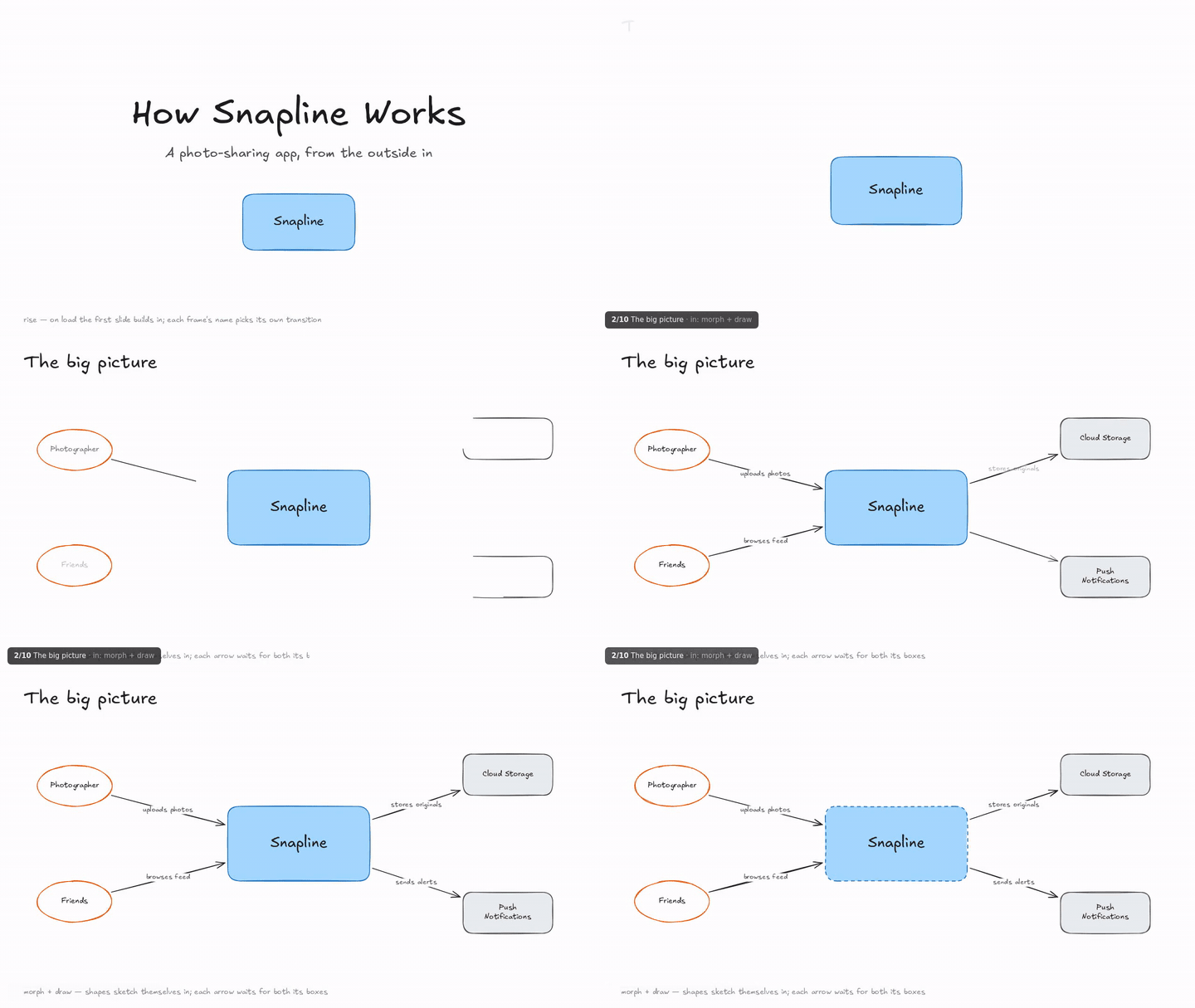
Section titled “Appear styles”How shapes that weren’t on the previous slide arrive. They come in left to right, and arrows wait for both their ends.
| Appear | What happens | Good for |
|---|---|---|
fade (default) |
fade in | most content slides |
draw |
outlines sketch themselves in, then fill | the first diagram |
pop |
scale up with a little overshoot | adding a few new components |
rise |
drift up | title slides |
Speed and stagger
Section titled “Speed and stagger”| Tag | Option | |
|---|---|---|
slow |
speed: "slow" |
about 1.6× as long |
fast |
speed: "fast" |
about 0.6× as long |
nostagger |
stagger: false |
new shapes all arrive at once instead of left to right |
Trying them out while you present
Section titled “Trying them out while you present”In the player, T overrides the transition for every slide, and each press moves on to the next one:
morph, zoom, camera, fade, cut, then back to “as named in each frame”. A does the same for the
appear style, S cycles the speed (normal, slow motion ×2 and ×4, fast), and R replays the
transition into the slide you’re on. None of it changes the file: it’s for trying ideas. When you find one you like,
put it in the frame’s name. Presenting a deck has the rest of the keys.